Virtual Santa for Schools
A practical classroom guide to running a virtual Santa visit — plus the part most schools care about long after December: multilingual speaking practice, writing prompts, and patient one-to-one tutoring, available any day of the year.
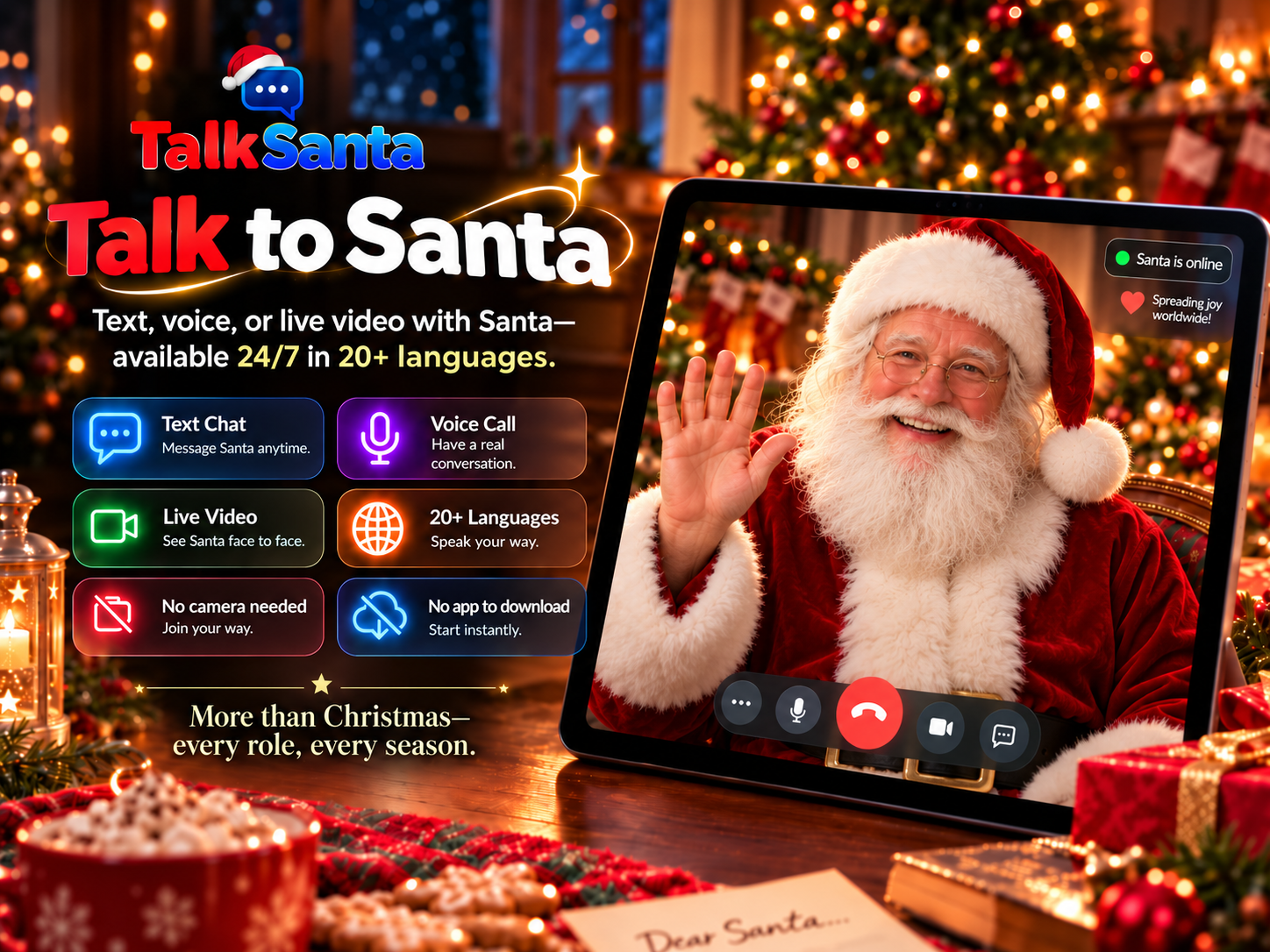
Why schools use a virtual Santa instead of booking a visitor
No performer booking, travel cost, or scheduling window — start whenever the lesson is ready.
No camera is ever required. Santa cannot see the classroom, so no student appears on video.
Works on any school laptop, tablet, or projector in a normal browser — nothing to install.
Speaks with students in dozens of languages, which turns a holiday activity into real speaking practice.
Available 24/7/365, so the same tool serves tutoring and language work all year.
Age-aware responses, politically neutral, and steered away from unsafe topics.
Six classroom activities that actually work
Language practice with a friendly native speaker
Santa speaks with students in dozens of languages. ESL and world-language classes can run short speaking drills where each student introduces themselves, asks two questions, and reports back what Santa said.
10–15 minutes per student pair
Writing prompt: interview Santa
Students prepare five interview questions in advance, run the session in text chat, then turn the transcript into a short news article or letter. Great for reading comprehension and citation practice.
One class period
Whole-class holiday assembly moment
Project a live video session on the classroom screen and let students take turns at the microphone. No costume, no scheduling a visitor, no travel cost.
15–20 minutes
Homework helper and study coach
Outside of December, the same Santa works as a patient tutor for reading, math word problems, science questions, and study-skills coaching — appropriate for the student's age.
Year-round
Social-emotional check-in
A gentle, encouraging conversation partner for confidence building, nervousness before a presentation, or simply practicing polite conversation.
5–10 minutes
Non-profit and community events
Libraries, community centers, hospitals, and holiday charity events can run a Santa station on a laptop or tablet, with no performer booking and no waiting line outdoors.
Set up in minutes
Which session type fits your lesson?
Text Chat
Writing, reading comprehension, interview transcripts, quiet classrooms.
Voice Call
Pronunciation, listening practice, ESL and world-language speaking drills.
Live Video
Assemblies, library events, and holiday moments on a projector or big screen.
Five-step planning checklist
- 1
Create a free TalkSanta account on the classroom device and sign in before students arrive.
- 2
Choose the session type: text chat for writing work, voice call for speaking practice, live video for an assembly moment.
- 3
Have students write their questions in advance so the session time is spent talking, not thinking.
- 4
Test audio output and volume on the classroom speakers a few minutes early.
- 5
Run the session, then use the transcript for a follow-up writing, translation, or discussion activity.
Questions teachers and organizers ask
Is TalkSanta suitable for classroom use?
Yes. Sessions run in a normal web browser on a laptop, tablet, or classroom projector. No app download and no camera are ever required — Santa cannot see the room, so students are never on video.
Do students need their own accounts?
No. A teacher or organizer can run the session from a single staff account on the classroom device, with students taking turns speaking or typing.
Which languages can Santa use with students?
Text chat supports a very wide range of languages, voice calls support 14, and live video supports 20+. This makes TalkSanta useful for ESL, dual-language, and world-language classrooms, not just December activities.
Is it safe and age-appropriate for children?
Santa's responses are tuned to the age of the person speaking, stay neutral on politics, and avoid unsafe topics. No camera access is requested at any point, and sessions are run from the teacher's own device.
How much does a classroom session cost?
Accounts are free to create and sessions are purchased per tier — text chat from $5.99, voice calls from $9.99, and live video from $19.99. See the pricing page for current details.
Can Santa be used outside the holiday season?
Yes. TalkSanta runs 24/7/365. Many of the strongest classroom uses — language practice, tutoring, interview writing, confidence building — have nothing to do with Christmas.
Ready to try it with your class?
Create your account, choose the session type that fits your lesson (sessions start at $5.99), and run your first classroom session today — no download, no camera, no scheduling.
Not a Santa video. A real conversation.
TalkSanta is a live two-way conversation, not a Santa video you script — and Santa talks about anything, all year, not only Christmas.
See the full comparison