Christmas Activities for Kids: Home and Classroom Ideas
Christmas activities for kids at home or in the classroom: crafts, games, writing prompts and a live, adult-supervised conversation with Santa on a shared screen. No camera is used, and Santa cannot see the children.
TalkSanta is for every age. These ideas are grouped the way people search.
Running this for a class or group? Santa for Schools
Why add a Santa conversation to kids' activities
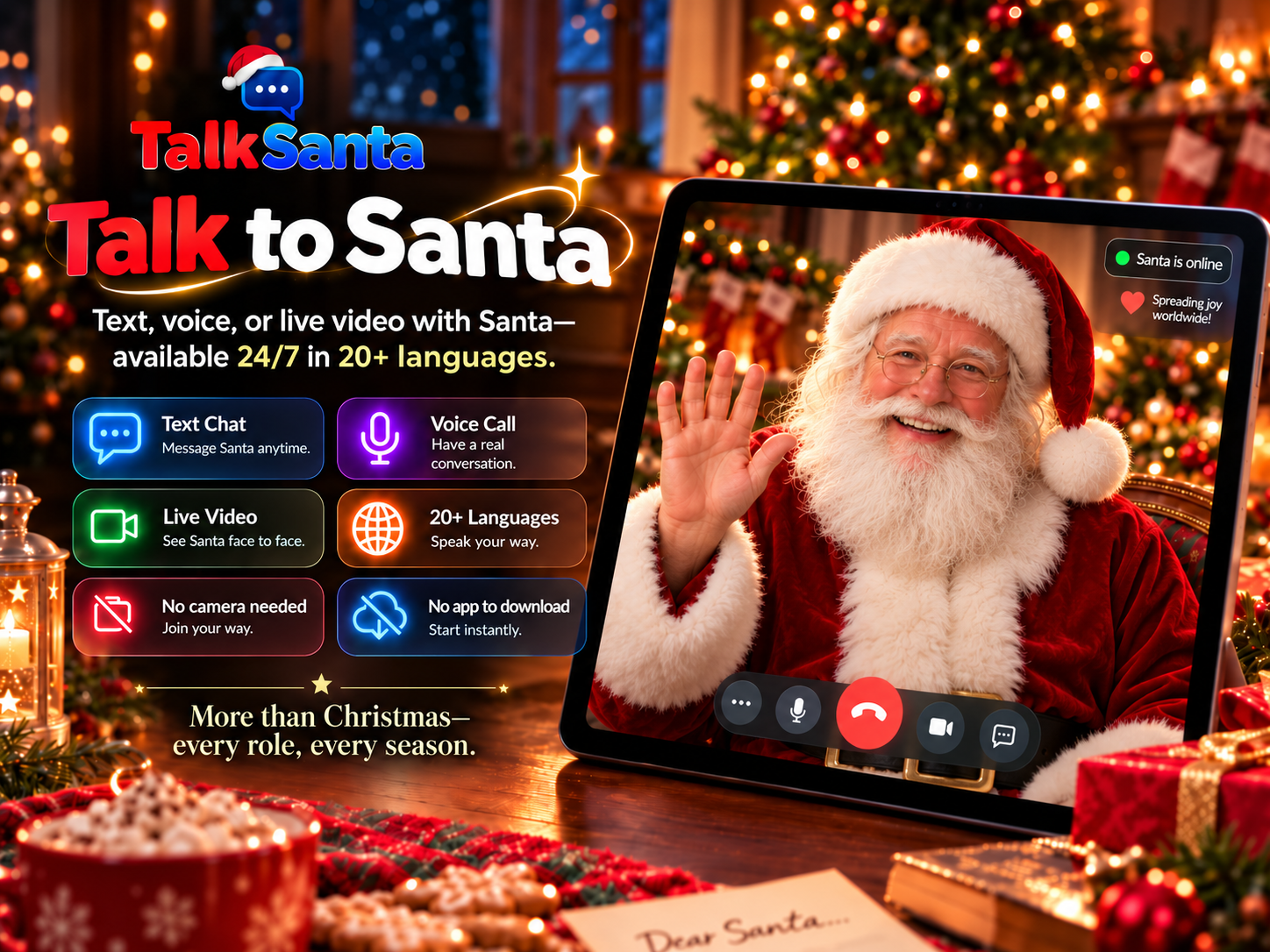
No camera is ever required. Santa cannot see participants, so guests never appear on video.
Runs in a normal web browser on a laptop, tablet or large display — nothing to install.
Available 24/7/365 for seasonal events and useful year-round conversations.
Text Chat works in any language, Voice Call supports 15 languages, and Live Video offers 20 languages.
An adult starts and supervises every session, and each session lasts up to 5 minutes.
Christmas activities for kids
1. Questions for Santa
Kids prepare questions in advance, then ask Santa live. It doubles as speaking and listening practice.
2. Letter-writing workshop
Children write a letter to Santa, then read one line aloud to him in a live session.
3. Christmas around the world
Ask Santa how holidays are celebrated in different countries, then map them in class.
4. Paper snowflakes and ornaments
Simple crafts that suit most ages and need only paper and scissors.
5. Holiday story starters
Santa begins a story and the class continues it, one sentence each.
6. Christmas bingo or charades
Quick games for the last day before break.
7. Practice another language
Santa can talk in the language the class is learning.
8. Kindness calendar
One small kind act per day in December, shared with Santa at the end.
Which session type fits?
Text Chat
Quiet spaces, reading along, any language.
Voice Call
One-to-one conversation with no screen needed.
Live Video
Big screens, groups and event moments.
How to set it up
- 1
Pick two or three activities for the time you have.
- 2
For Santa, connect a laptop to the screen and speakers and test the microphone.
- 3
Choose Text Chat, Voice Call or Live Video.
- 4
An adult starts the session and children take turns; each session lasts up to 5 minutes.
Common questions
What are easy Christmas activities for a classroom?
Letter writing, story starters, crafts, bingo, Christmas-around-the-world lessons and a supervised live Santa conversation work well and need little preparation.
Is a live Santa conversation safe for kids?
An adult starts and supervises each session. No camera is ever required, Santa cannot see the children, and nothing needs to be installed.
Can kids talk to Santa in another language?
Yes. Text Chat works in any language, Voice Call supports 15 languages, and Live Video offers 20 languages selected before the session.