Santa Celebrates the People You Love
Birthday wishes from Santa, plus new babies, retirements, new jobs, graduations and more. Tell Santa who you are celebrating and why, and he wishes them well by name in a live Voice Call or Live Video. Or let the person you are celebrating talk with Santa directly. Every session is live: TalkSanta does not record or send videos, and no camera is ever used.
TalkSanta is for every age. These ideas are grouped the way people search.
Running this for a class or group? Santa for Organizations
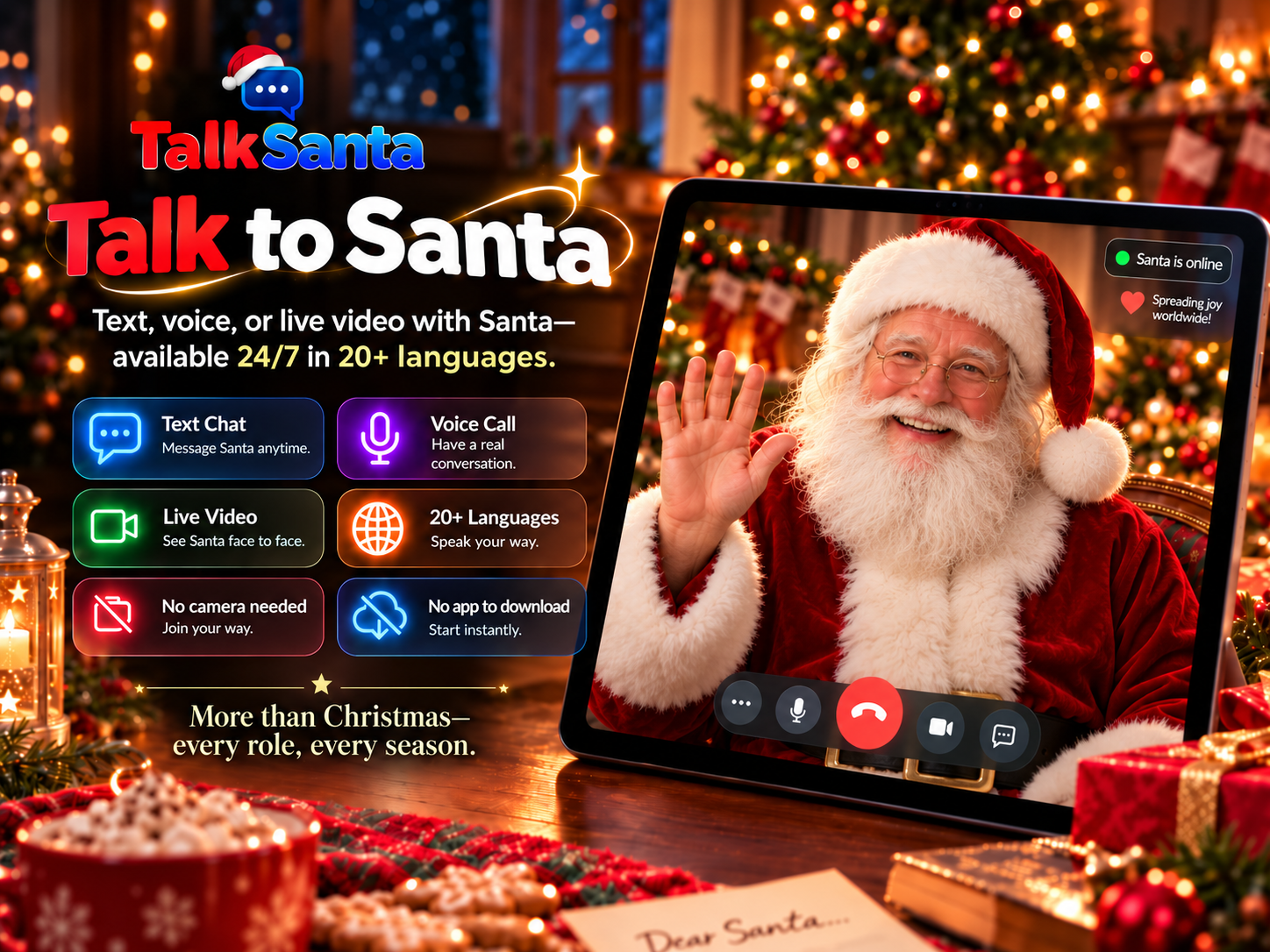
Why celebrate with Santa
Santa uses the person's name and the occasion, so the wish feels personal, not generic.
Works any day of the year: birthdays, new babies, retirements, new jobs, graduations, weddings, anniversaries, get-well wishes and team wins.
Two ways to do it: you ask Santa to send your wishes, or the person you are celebrating talks with Santa directly.
No camera is ever required. Santa cannot see anyone.
Text Chat works in any language, Voice Call supports 15 languages, and Live Video offers 20 languages.
Celebration ideas
1. Birthday surprise on a shared screen
Start a Live Video while the birthday person is in the room and ask Santa to wish them happy birthday by name. Then hand them the microphone.
2. Two friends, one call
Celebrating two birthdays this week? Tell Santa both names and he can wish each person in the same 5-minute session.
3. Welcome a new baby
Ask Santa to congratulate the new parents and welcome the baby by name, a warm moment for grandparents joining from far away.
4. Retirement send-off
Share a few highlights of the career and Santa thanks the retiree for their years of work at the office party or family dinner.
5. New job or promotion
Santa congratulates the new starter and can even help them practise a first-day introduction.
6. Graduations and milestones
Graduations, first days of school, a driving test passed, a race finished: Santa cheers the achievement.
7. Organizations and teams
Workplaces, schools and community groups use a short Santa moment for staff birthdays, retirements and thank-you events.
8. Want a keepsake?
TalkSanta does not record sessions. If you want a memory, you may use your own device's screen recording, but only with the permission of everyone who appears or speaks.
Which session type fits?
Text Chat
Quiet spaces, reading along, any language.
Voice Call
One-to-one conversation with no screen needed.
Live Video
Big screens, groups and event moments.
How to set it up
- 1
Choose Voice Call or Live Video (Live Video is the most festive for groups).
- 2
Tell Santa the person's name, the occasion and one or two details you would like him to mention.
- 3
Pass the microphone so the person you are celebrating can talk with Santa too.
- 4
Each session lasts up to 5 minutes. An adult starts sessions for children.
Common questions
Can Santa say happy birthday to my friend by name?
Yes. Tell Santa the name and the occasion during a live Voice Call or Live Video and he will wish them well by name.
Does TalkSanta send a recorded birthday video?
No. TalkSanta is live only. It does not record, create or send videos. If you choose to screen-record on your own device, ask everyone involved for permission first.
Is it only for birthdays?
No. Santa celebrates new babies, retirements, new jobs, graduations, weddings, anniversaries, get-well wishes and team wins, every day of the year.
Can a business or school use it?
Yes. Organizations use it for staff birthdays, retirements and thank-you moments. See Santa for Organizations for planning tips.
How much does it cost?
Pay per session: Text Chat $5.99, Voice Call $9.99, Live Video $19.99 for 5 minutes. No subscription.