Conversational Santa for Language Schools & Tutoring Centers
Turn speaking practice into a memorable live conversation. Learners can greet Santa, ask questions, practice vocabulary and hear a reply in the language selected for the session.
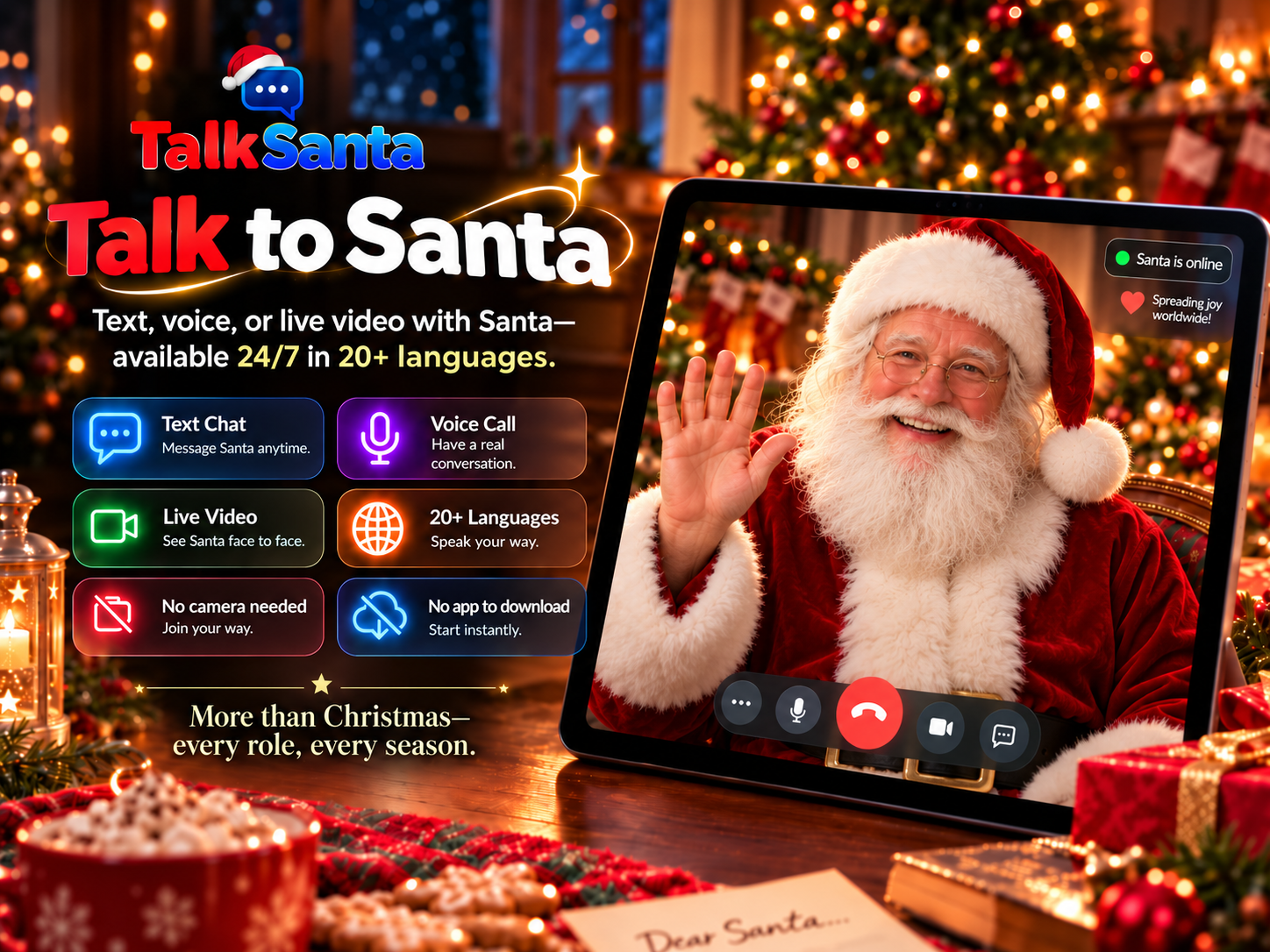
Why it works for your venue
No camera is ever required. Santa cannot see participants, so guests never appear on video.
Runs in a normal web browser on a laptop, tablet or large display — nothing to install.
Available 24/7/365 for seasonal events and useful year-round conversations.
Text Chat works in any language, Voice Call supports 15 languages, and Live Video offers 20 languages.
Creates a real reason to listen and respond instead of completing another scripted worksheet.
Ideas you can run
Guided speaking practice
Prepare three questions, then let learners ask Santa and listen for key words in his live response.
Vocabulary in context
Practice greetings, seasons, travel, food or traditions through a short conversation rather than isolated flash cards.
Pronunciation confidence
Use Voice Call for a one-to-one speaking turn while an instructor remains nearby to support the learner.
Writing and reading
Use Text Chat for a written exchange that learners can read together and discuss after the session.
Which session type fits?
Text Chat
Quiet spaces, reading along, any language.
Voice Call
One-to-one conversation with no screen needed.
Live Video
Big screens, groups and event moments.
How to set it up
- 1
Choose a learning goal and prepare a few questions before the session.
- 2
Select Text Chat, Voice Call or Live Video for the lesson format.
- 3
Set up the classroom microphone and speakers, then test the sound.
- 4
An instructor starts and supervises the session; each purchased session lasts up to 5 minutes.
Common questions
How can Santa support language practice?
Learners ask questions and receive live replies, creating listening and speaking practice with a clear conversational purpose. TalkSanta is a practice activity, not a replacement for a qualified teacher or curriculum.
Which session works best for a language class?
Text Chat supports written practice in any language. Voice Call supports 15 languages. Live Video offers 20 languages selected before the session and works well on a shared display.
Can learners switch languages?
Text Chat can follow the language being typed. Voice Call supports its configured languages. Live Video uses one language selected before the session and keeps it for that session.
How can a school or tutoring center ask about a larger event?
Current per-session prices are listed on the Pricing page. For a larger event, send TalkSanta a message through the Contact page. No bulk discount or custom package is promised until it is confirmed in writing.