Virtual Santa for Museums, Attractions & Family Fun Centers
Create a live talking-Santa station for a seasonal exhibit, visitor program or indoor attraction. Guests take turns speaking while venue staff control the screen and session.
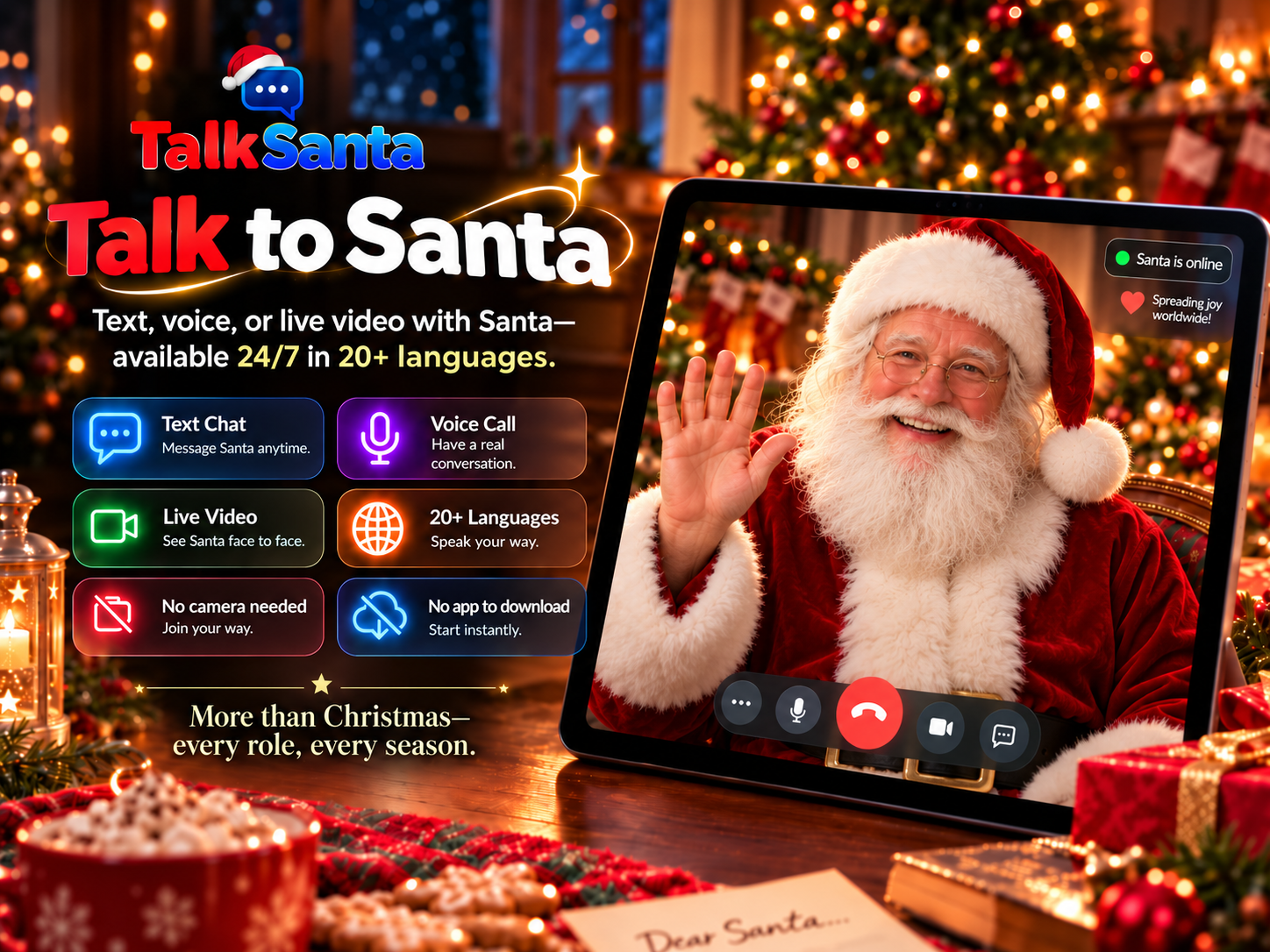
Why it works for your venue
No camera is ever required. Santa cannot see participants, so guests never appear on video.
Runs in a normal web browser on a laptop, tablet or large display — nothing to install.
Available 24/7/365 for seasonal events and useful year-round conversations.
Text Chat works in any language, Voice Call supports 15 languages, and Live Video offers 20 languages.
Adds a conversational stop to an existing visitor route without building a custom installation.
Ideas you can run
Interactive exhibit stop
Use Live Video at a staffed screen where visitors ask a question before continuing through the attraction.
Stage or theater greeting
Show Santa on a large display for a short live welcome during a scheduled seasonal program.
Story and trivia session
Ask Santa for a short story or themed trivia round that complements the venue's program.
Multilingual visitor moment
Choose a supported language for visitors who want the conversation in another language.
Which session type fits?
Text Chat
Quiet spaces, reading along, any language.
Voice Call
One-to-one conversation with no screen needed.
Live Video
Big screens, groups and event moments.
How to set it up
- 1
Choose a supervised station or programmed event moment.
- 2
Connect a browser device to the venue display, speakers and microphone.
- 3
Test audibility with the venue at normal operating noise.
- 4
Staff start each session and manage turns; each purchased session lasts up to 5 minutes.
Common questions
Can a museum or attraction create an interactive Santa experience?
Yes. TalkSanta provides a live two-way conversation in a browser. The venue supplies and supervises the display, sound, microphone and visitor flow.
Is it a prerecorded Santa video?
No. Guests speak or type and Santa responds to what they say during the same session.
Can we use it on a large screen?
A compatible computer can be connected to a large display with speakers and a microphone. The venue should test its exact setup before guests arrive.
How can a museum or attraction ask about a larger event?
Current per-session prices are listed on the Pricing page. For a larger event, send TalkSanta a message through the Contact page. No bulk discount or custom package is promised until it is confirmed in writing.