Christmas Party Games & Ideas for Groups, Offices and Teams
Ten Christmas party ideas that work for an office, a class, a community night or a remote team, including one that needs no props: a live conversation with Santa on a shared screen.
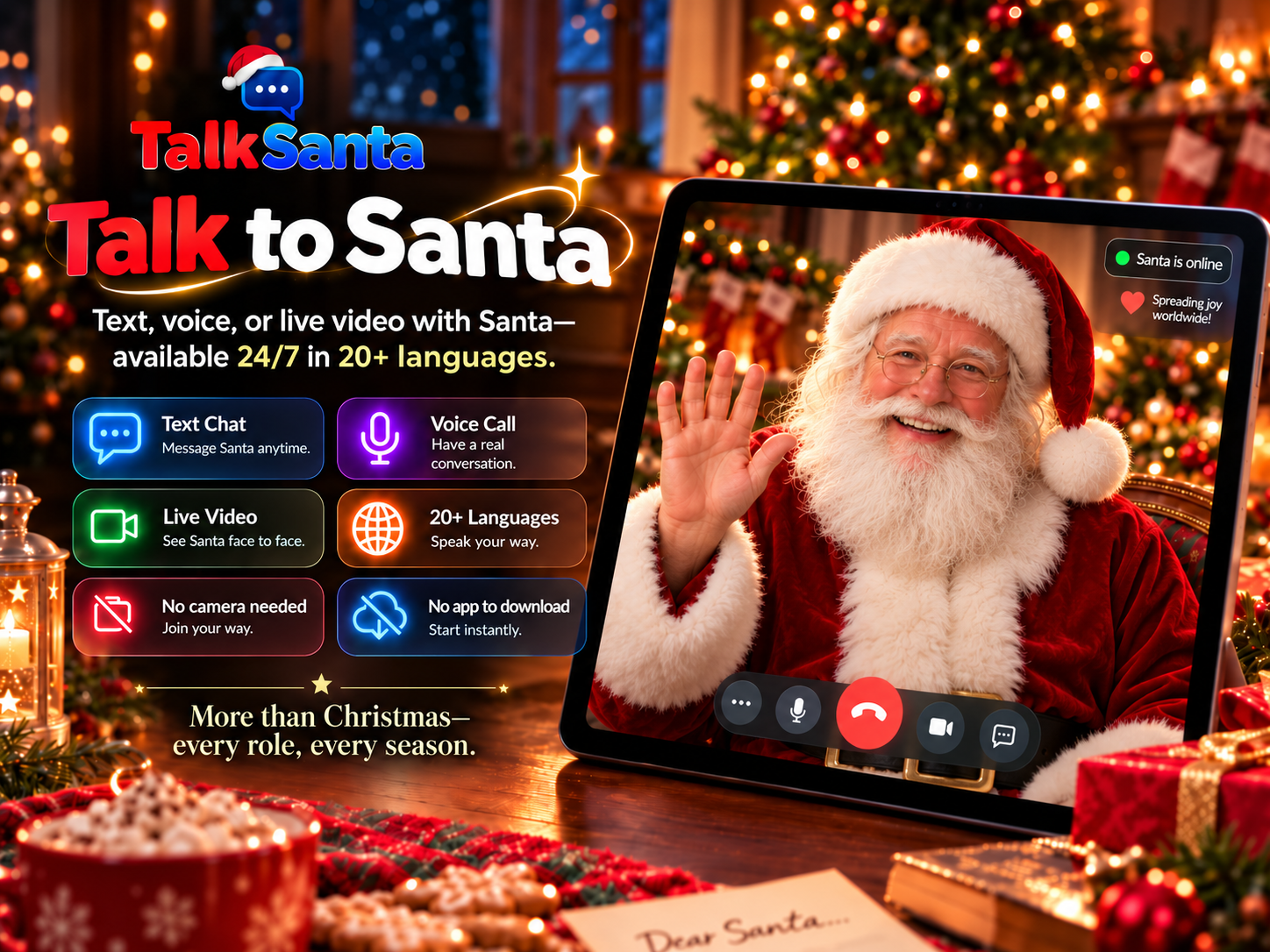
Why add a live Santa to your party
No camera is ever required. Santa cannot see participants, so guests never appear on video.
Runs in a normal web browser on a laptop, tablet or large display — nothing to install.
Available 24/7/365 for seasonal events and useful year-round conversations.
Text Chat works in any language, Voice Call supports 15 languages, and Live Video offers 20 languages.
Takes about five minutes per session, so it fits between other party activities without needing a schedule.
10 Christmas party ideas for groups
1. Live Santa conversation
Show Santa on a shared screen and let guests take turns asking questions. Each purchased session lasts up to 5 minutes, and nobody has to appear on camera.
2. White elephant gift swap
Guests pick or steal wrapped gifts in turns. Set a price limit and a steal limit in advance so the game stays friendly.
3. Christmas trivia
Split into teams and run five to ten rounds of seasonal questions. Works in a meeting room or over a video meeting.
4. Holiday bingo
Hand out cards with seasonal items or office in-jokes. It needs no setup and works for any group size.
5. Ugly sweater or festive hat contest
Let everyone vote for the funniest or most creative outfit. Good for mixed in-person and remote groups with a photo poll.
6. Minute-to-win-it games
Short challenges with simple props, such as stacking cups or moving cotton balls with a spoon, played in rounds.
7. Secret Santa reveal
Run the draw ahead of time and reveal gifts at the party. Offer a no-gift option so no one feels pressured.
8. Holiday charades or Pictionary
Use seasonal words. It works in person, or on a shared whiteboard for a remote team.
9. Gingerbread or cookie decorating
Give each table the same kit and a time limit, then vote on the winner.
10. Carols or a holiday playlist quiz
Play short clips and let teams guess the song, or sing along if the group wants to.
Which session type fits?
Text Chat
Quiet spaces, reading along, any language.
Voice Call
One-to-one conversation with no screen needed.
Live Video
Big screens, groups and event moments.
How to set it up
- 1
Pick two or three activities that match your group size, room and time.
- 2
For the Santa conversation, connect a laptop to the screen and speakers, and test sound first.
- 3
Choose Text Chat, Voice Call or Live Video; each purchased session lasts up to 5 minutes.
- 4
Have a host start each session and invite guests to take turns.
Common questions
What are good Christmas party games for a large group?
Trivia, bingo, a white elephant swap and team challenges scale well because teams or tables play at the same time. A live Santa conversation works as a shared moment on a big screen.
What Christmas games work for an office or remote team?
Trivia, bingo, charades on a shared whiteboard, a costume poll and a live Santa conversation on the meeting screen all work for mixed or remote groups.
Do guests need to be on camera?
No. No participant camera is required and Santa cannot see anyone.
Is the Santa conversation a prerecorded video?
No. It is a live, two-way conversation: guests speak or type, and Santa responds during the same session.
How can an office or group organizer ask about a larger event?
Current per-session prices are listed on the Pricing page. For a larger event, send TalkSanta a message through the Contact page. No bulk discount or custom package is promised until it is confirmed in writing.