Virtual Holiday Party Ideas for Remote and Hybrid Teams
A practical guide to planning a virtual or hybrid holiday party: format, timing, activities that work on a video call, and how to include a live Santa conversation without anyone turning on a camera.
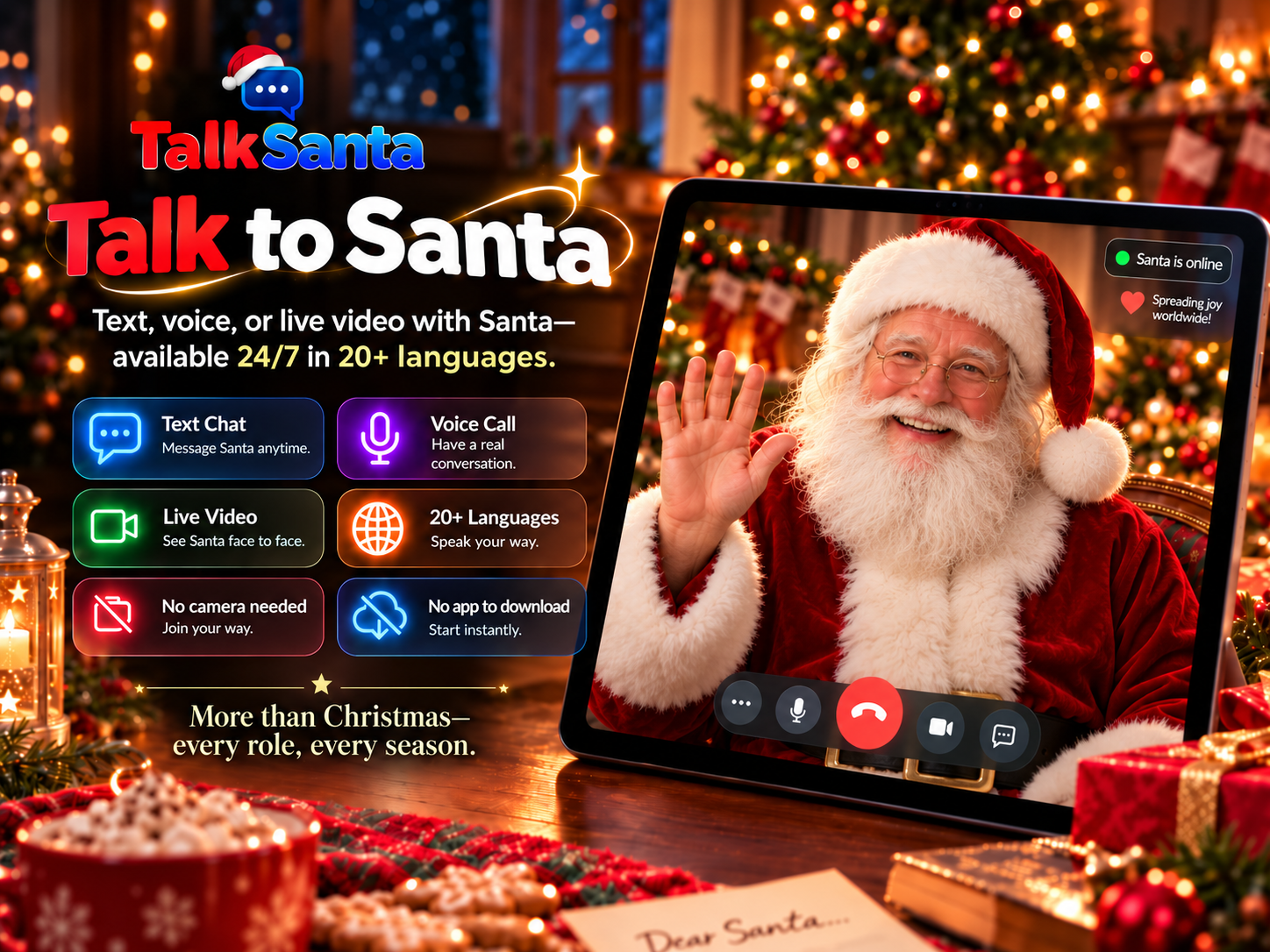
Why add a live Santa to a team party
No camera is ever required. Santa cannot see participants, so guests never appear on video.
Runs in a normal web browser on a laptop, tablet or large display — nothing to install.
Available 24/7/365 for seasonal events and useful year-round conversations.
Text Chat works in any language, Voice Call supports 15 languages, and Live Video offers 20 languages.
Gives a distributed team one shared, low-pressure moment that does not depend on camera participation.
Ideas for a virtual or hybrid team party
Keep it short
Forty-five to sixty minutes holds attention better than a long call. Put the main activity in the first half.
Send a small kit ahead
A card, a treat or a printable bingo sheet gives remote and office staff the same starting point.
Use a shared Santa screen
The host shares a TalkSanta session in the meeting. Colleagues take turns asking Santa questions by voice or text; nobody has to appear on camera.
Run team trivia in breakout rooms
Small groups play seasonal or company trivia and report back. Rotate team members so people meet new colleagues.
Hold a virtual gift swap
Draw names in advance, set a spending limit, and reveal gifts on the call. Offer a no-gift option.
Plan for time zones and languages
Pick a time that works for most people and record a short recap for anyone who misses it. Text Chat works in any language, Voice Call supports 15 and Live Video offers 20.
Make participation optional
Allow people to watch, type in chat or skip activities. Employee engagement works best when joining is a choice.
Which session type fits?
Text Chat
Quiet spaces, reading along, any language.
Voice Call
One-to-one conversation with no screen needed.
Live Video
Big screens, groups and event moments.
How to set it up
- 1
Choose a date and a length, and invite everyone with a clear agenda.
- 2
Decide on two or three activities, including the Santa moment.
- 3
The host tests screen share, sound and the browser connection before the call.
- 4
Start each Santa session when the group is ready; each purchased session lasts up to 5 minutes.
Common questions
What are good virtual holiday party ideas for a remote team?
Short trivia rounds, a gift swap, team challenges in breakout rooms, and a shared live Santa conversation are all easy to run on a standard video call.
How long should a virtual holiday party be?
Many teams find 45 to 60 minutes works well. A shorter call keeps people engaged and is easier to schedule across time zones.
Can a virtual Santa run on a company video call?
A host can share a TalkSanta browser session in the meeting. TalkSanta itself does not provide meeting invitations or event hosting.
Does anyone need to turn their camera on?
No. TalkSanta requires no participant camera, and Santa cannot see participants.
How can an HR team or office manager ask about a larger event?
Current per-session prices are listed on the Pricing page. For a larger event, send TalkSanta a message through the Contact page. No bulk discount or custom package is promised until it is confirmed in writing.