Virtual Santa for Libraries & Community Centers
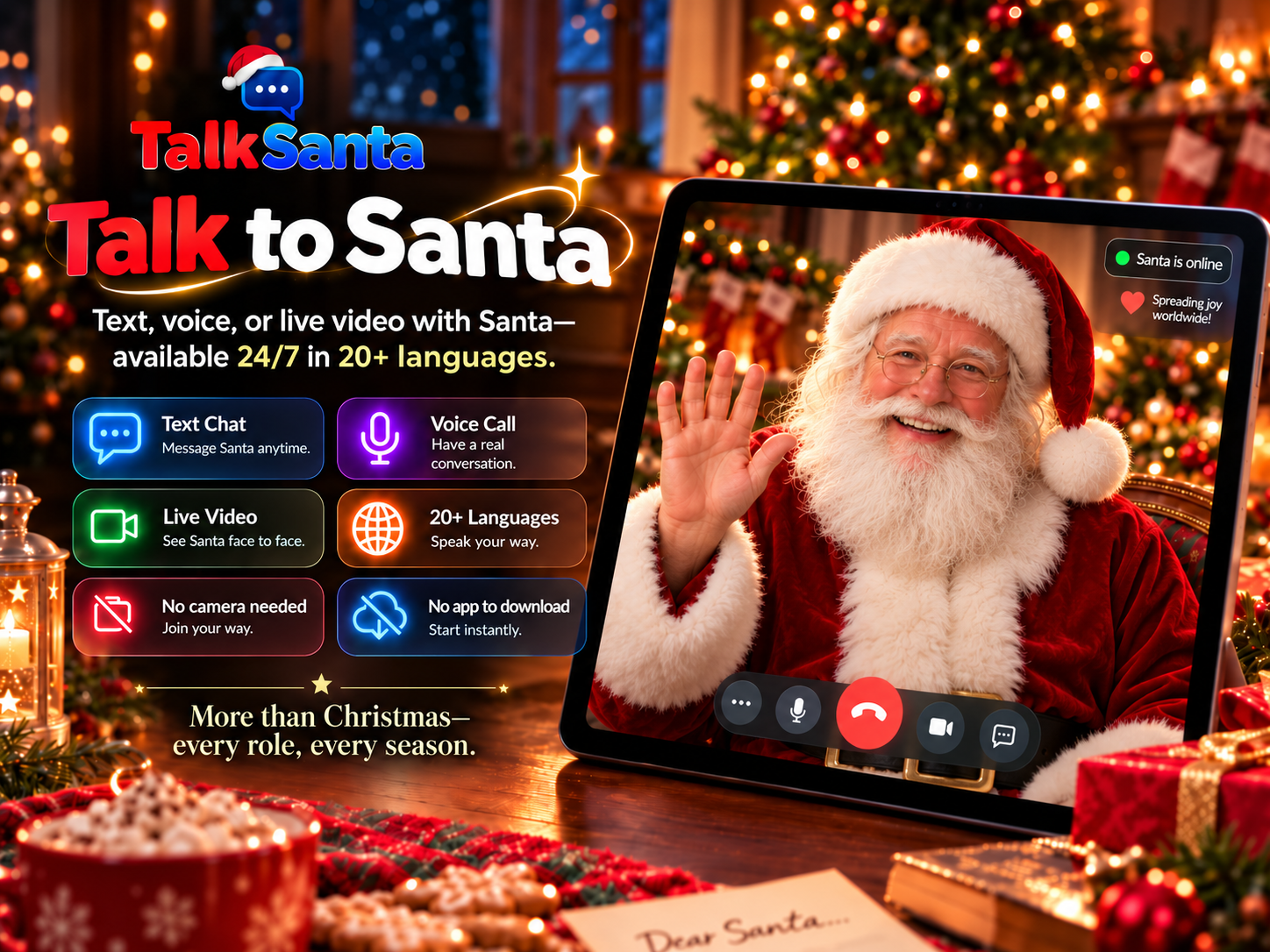
Host a talking Santa for story time, holiday programs and community nights. Visitors talk with Santa on a big screen in their own language — no performer to book and nothing to install.
Why it works for your venue
No camera is ever required. Santa cannot see anyone, so guests never appear on video.
Runs in a normal web browser on a laptop, tablet or big screen — nothing to install.
Available 24/7/365, so the same tool works for holiday events and year-round programs.
Text Chat works in any language, Voice Call auto-detects 15 languages, and Live Video offers 20 languages.
Welcomes multilingual communities — visitors can talk with Santa in their own language.
Ideas you can run
Santa story time
Ask Santa to tell a short holiday story on the big screen, then let visitors ask questions.
Multilingual family night
Families take turns talking with Santa in the languages they speak at home.
Holiday open house
Set up a talking-Santa corner during a community event as a free-feeling attraction.
Year-round programs
Use Santa as a friendly conversation partner for language practice and reading clubs outside December.
Which session type fits?
Text Chat
Quiet spaces, reading along, any language.
Voice Call
One-to-one conversation with no screen needed.
Live Video
Big screens, groups and event moments.
How to set it up
- 1
Create an account and choose Live Video for a group or Text Chat for a reading corner.
- 2
Connect a laptop to your room screen, speakers and a microphone.
- 3
Test sound in the room before the program starts.
- 4
Start the session — every session runs up to 5 minutes, and a transcript appears on screen.
Common questions
Can a library host a virtual Santa program?
Yes. TalkSanta runs in a normal web browser on a room screen. No camera is required and Santa cannot see visitors.
Does it work for multilingual communities?
Yes. Text Chat works in any language, Voice Call auto-detects 15 languages, and Live Video offers 20 languages chosen before the session starts.
Is it only a Christmas program?
No. Santa is available 24/7/365, so the same tool works for story time, language practice and community events all year.
How can we ask about a larger program?
Session packs are on the Pricing page. For a larger program, send us a message through the Contact page and we will reply as soon as possible.